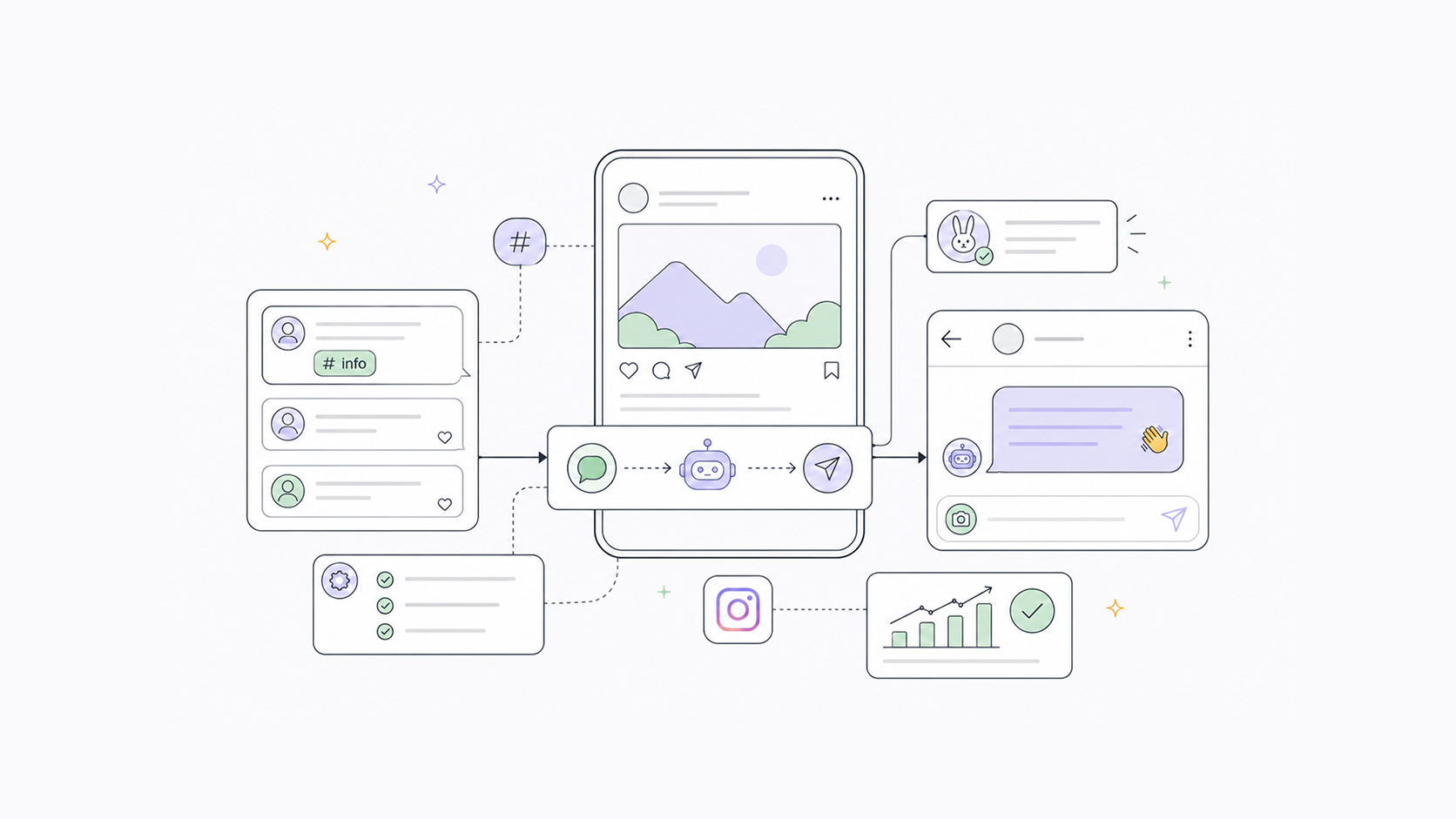
What is Instagram comment-to-DM automation
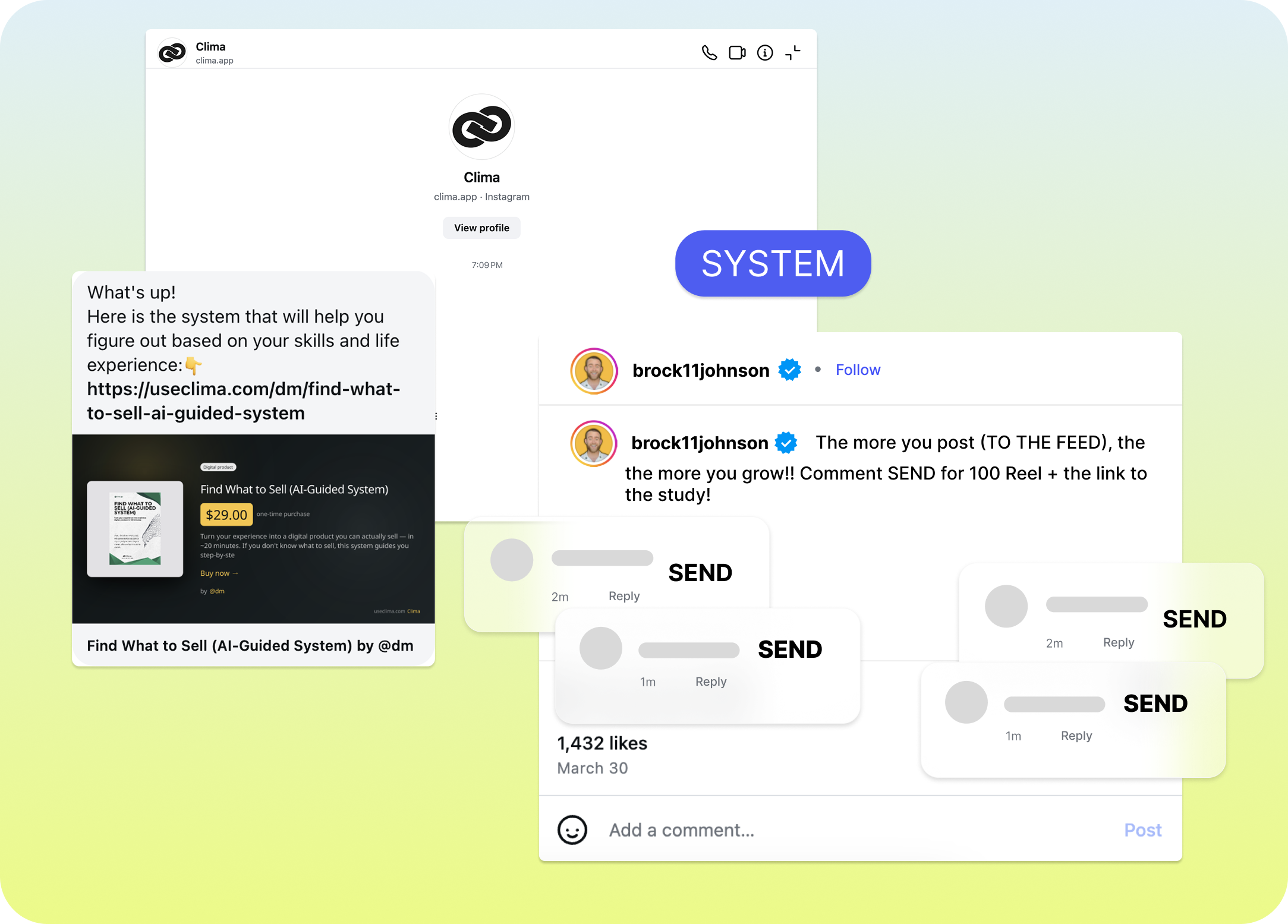
You have probably seen it. A creator posts a Reel and writes "comment LINK and I'll send you the download." Within seconds of someone commenting, they receive a DM with exactly what was promised.
That is comment-to-DM automation. Someone comments a specific keyword on your post, and an automated reply fires instantly. It can be a public reply under the comment, a private DM, or both at the same time.
It works on Instagram and Facebook, and it runs 24 hours a day without any manual input from you. If you are comparing tools that offer this feature, we covered the main options in Best Instagram and Facebook Automation Tools.
Why it works so well for reach
Beyond saving time, comment-to-DM automation does something useful for your distribution. When people comment on your post, that comment activity is a signal to Instagram's algorithm that the post is generating engagement. More comments mean more reach.
A post that instructs people to comment a word to receive something, such as a link, guide, discount code, or menu, consistently generates more comments than a standard post. That comment volume pushes the post further, which brings more eyes, which brings more comments.
The DM that follows is where the actual conversion happens. By the time someone receives your message, they have already taken an action to get it. That intent makes them far more likely to click the link, visit the page, or make the purchase than a passive viewer who just scrolled past.
Two types of automation triggers
There are two ways to trigger an automated reply, and they serve different purposes.
Comment on a specific post. You pick one published post and set a keyword. When someone comments that exact word on that post, the automation fires. This is the most common setup. For example, you post a Reel, tell people to comment a word, and the DM goes out automatically to everyone who does.
Keyword in a DM. When someone sends your Instagram or Facebook account a direct message containing the keyword, the auto-reply fires instantly. This works well for ongoing enquiries. For instnace, if someone DMs you "PRICE" or "BOOKING," they get your answer immediately, even at 2am.
Both trigger types are available for Instagram and Facebook.
What the automated reply can include
When the trigger fires, you can send:
- A public reply under the comment (e.g. "Thanks! Check your DMs."). This keeps the comment section active and lets other viewers see that you are responsive
- A private DM to the commenter (your link, your offer, your information, written however you want)
- Both at the same time
The private message is where you put the actual content, such as a booking page, price list, or freebie download. The public reply is optional but useful for keeping the comment thread visible.
How to set it up in BunnyBooster
There are two ways to create an automation: a step-by-step dialog form, or a Visual Builder if you prefer to see the full flow laid out on a canvas.
Using the dialog form:
- Go to Automations and click New automation
- Choose your platform (Instagram or Facebook)
- Give the automation a name, for example "Download link" or "Menu request"
- Choose your trigger type (Keyword in a comment on your post, or Keyword in DM)
- Enter your keyword. Keywords are case-insensitive, so "LINK" and "link" and "Link" all count as the same. Each keyword can only be used once per account
- Select the post the automation applies to. Each published post can only have one automation attached to it
- Write an optional public reply to the comment, for example, “Thanks! Check your DMs.”
- Toggle on Private message and write the DM text (this is what the commenter actually receives in DMs)
- Save
- Toggle on to activate the automation
The automation goes live immediately and runs until you turn it off or delete it.
Using the Visual Builder:
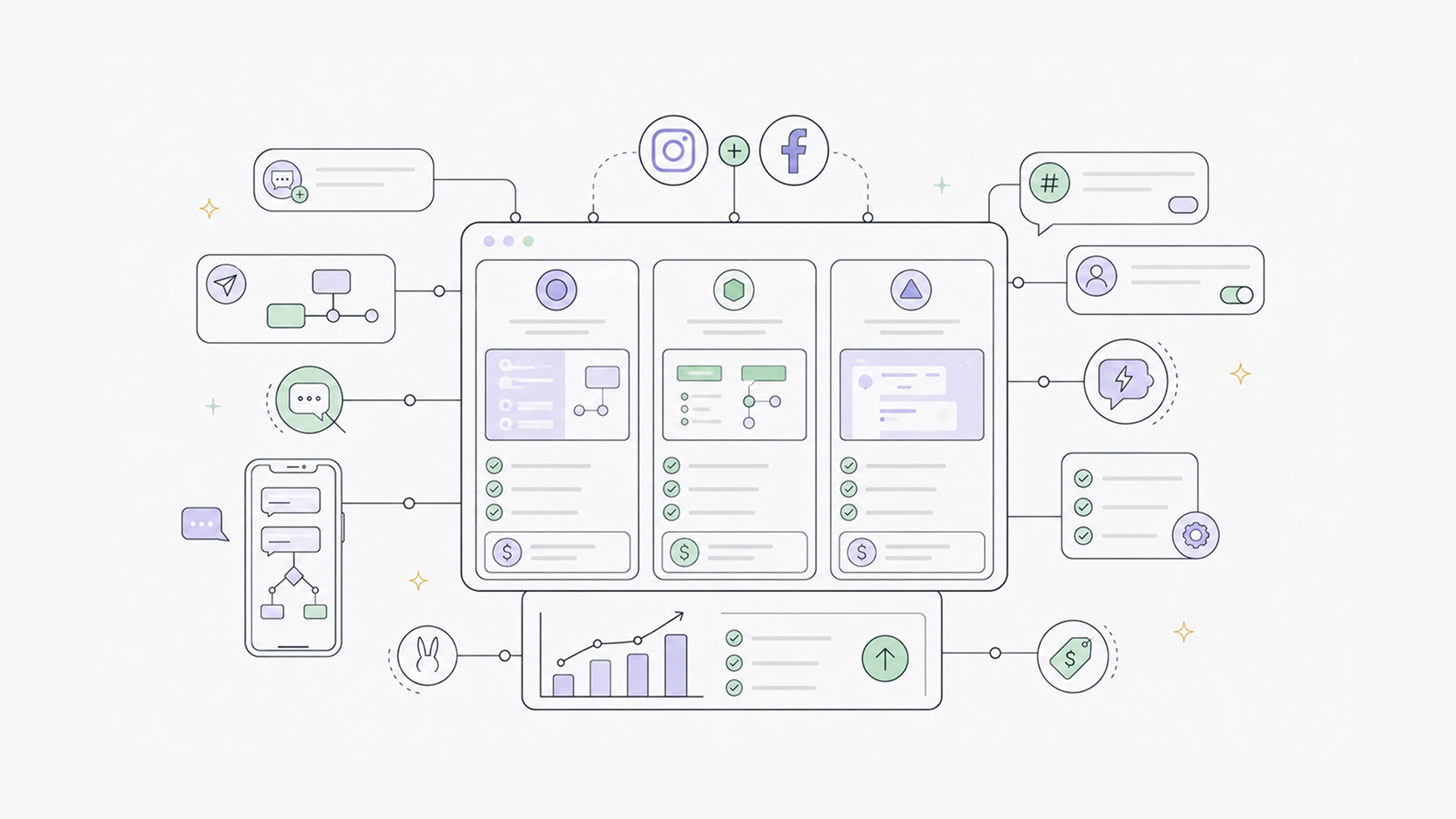
Click Visual Builder from the Automations page. You will see the same fields laid out as connected blocks — Trigger, Keyword, Post, and Action, which makes it easier to see the full flow at once.
Keyword ideas worth using
If you are not sure what keyword to use, here are some that work well depending on your business:
- LINK or DOWNLOAD — for sending a resource, a guide, or a product page
- PRICE or PRICING — for sending your pricing information
- MENU — for restaurants and cafes
- BOOK or BOOKING — for appointments and reservations
- GUIDE — for lead magnets and free downloads
- START — for onboarding flows or trial signups
- AI - for sending AI prompts
Pick something short and easy to type. The easier it is to comment, and the more useful what you are sharing is, the more people will do it.
What this looks like in practice
A fitness coach posts a Reel about their morning routine and writes "Comment FREE and I'll send you my free meal plan." Everyone who comments gets an instant DM with the download link. No manual replies, no one left waiting.
A digital product creator posts about their AI prompt pack and writes "Comment PROMPTS and I'll DM you the link." The post drives comments, the comments drive DMs, and every DM lands while they are still editing their next video.
A UGC creator selling a course posts a before and after clip and writes "Comment COURSE and I'll send you the details." By the time they check their phone, fifty people have already received the message and several have clicked through to the sales page.
The loop is the same every time: the post drives comments, comments drive DMs, and DMs drive conversions.
Set up your first automation in minutes
BunnyBooster handles comment and DM automations for Instagram and Facebook, with scheduling across Instagram, TikTok, Facebook, and YouTube Shorts in the same place. Set your keyword, write your message, and let it run.