Most creators and small businesses end up using two tools where one should be enough. A scheduling tool to publish content, and a separate automation tool to handle the comments and DMs that come in after. Two subscriptions, two dashboards, two sets of settings.
This comparison covers the main tools in 2026, what each one actually does, who it is for, what it costs, and where it falls short.
At a glance
| Tool | Starting price | Scheduling | Meta automation | Analytics | Canva | Best for |
|---|---|---|---|---|---|---|
| BunnyBooster | $9.99/mo | ✅ IG, FB, TikTok, YouTube, LinkedIn | ✅ Comment + DM triggers | ✅ Reach, impressions, engagement | ✅ | Creators and small businesses who want scheduling and automation in one place |
| Later | $18.75/mo annually | ✅ Visual planner | Limited | ✅ | ✅ | Instagram and TikTok visual planners |
| Hootsuite | $99/mo per user | ✅ Multi-platform | Limited | ✅ | ✅ | Mid-size teams needing a unified inbox |
| Sprout Social | $79/mo per user | ✅ Multi-platform | Limited | ✅ Advanced | ✅ Advanced | Enterprise teams and agencies |
| SocialPilot | $30/mo (7 accounts) | ✅ Multi-platform | Limited | ✅ | ✅ | Small agencies managing multiple client accounts |
| ManyChat | Free / $14/mo | ❌ | ✅ Advanced flows | Limited | ❌ | Complex multi-step DM and Messenger flows |
BunnyBooster
BunnyBooster combines scheduling and Meta automation in one tool, which is what makes it different from everything else in this comparison.
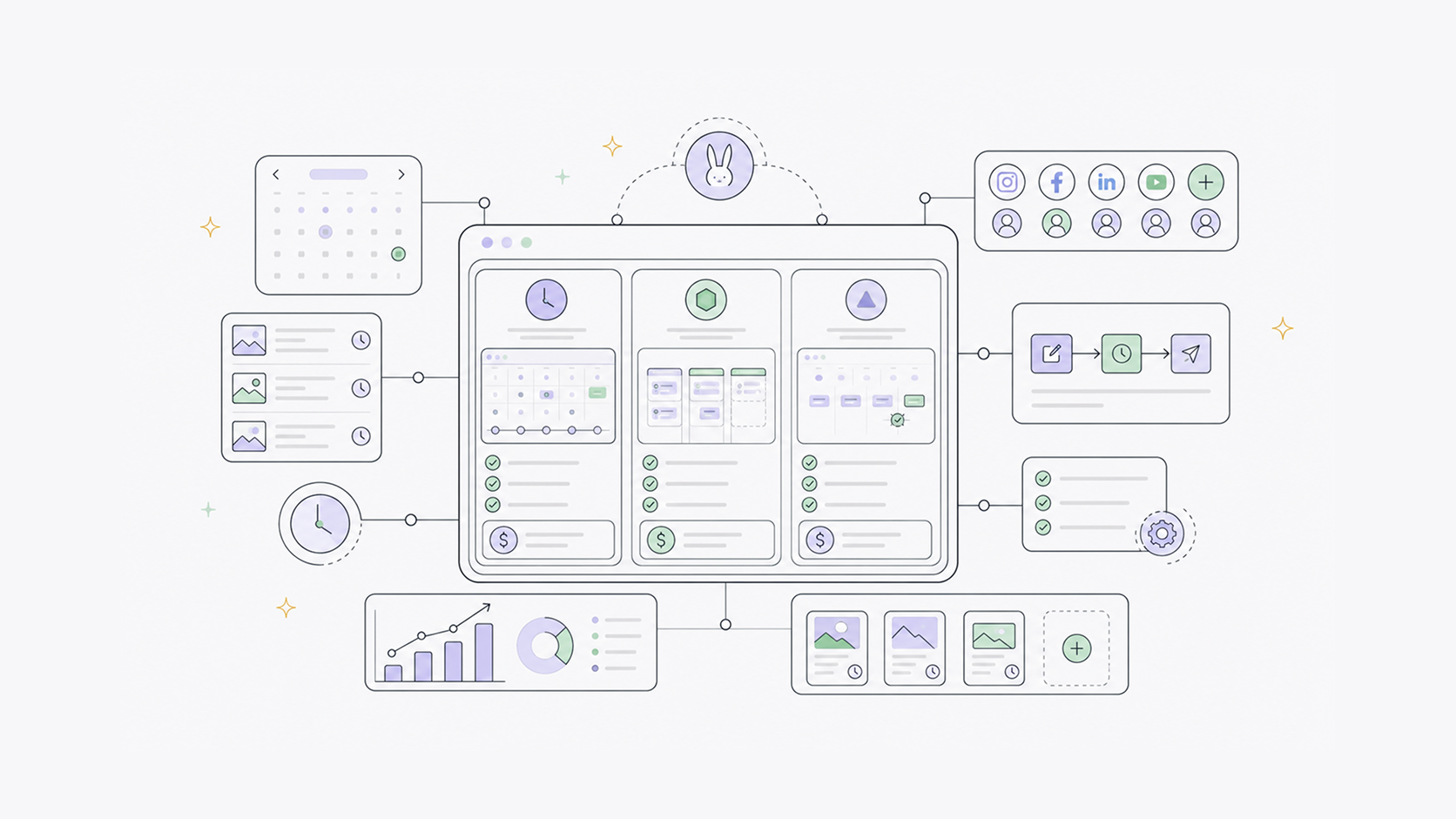
On the scheduling side, it covers Instagram, TikTok, Facebook, YouTube Shorts, and LinkedIn from one place. Pricing is flat, not per channel, so adding a new platform does not change your bill. The caption editor includes AI tools on both plans: Create Hook, Create CTA, Add Hashtags, and Match Example, which rewrites your caption to match a style you provide. The Pro plan adds more advanced AI generation. There is also a Media Library for storing and reusing assets, and direct Canva import so you can pull designs straight into a post without downloading and re-uploading. The analytics dashboard shows Instagram reach, impressions, likes, and comments synced from Meta, plus publishing activity across platforms and top posts ranked by engagement.
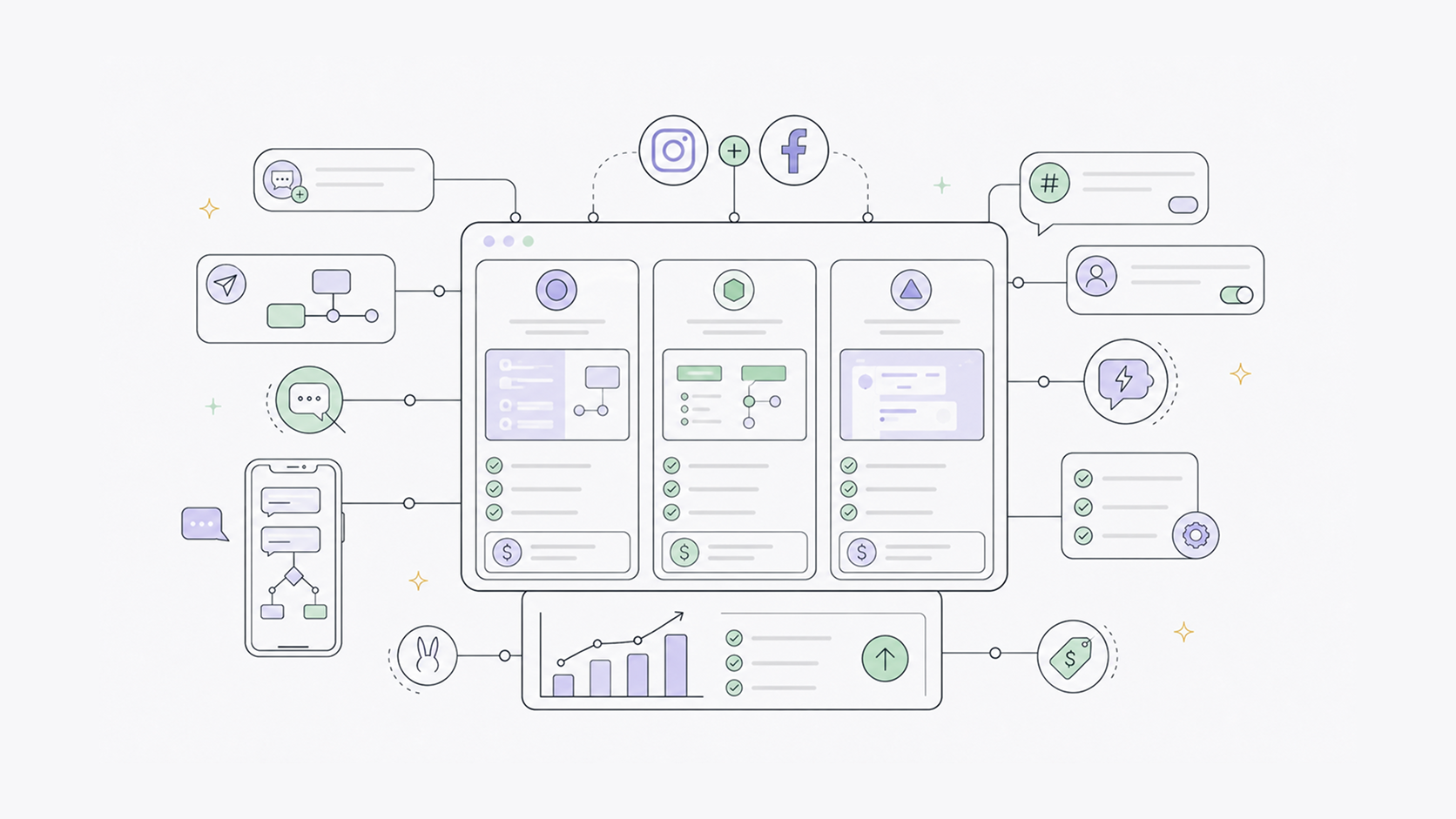
On the automation side, you can set keyword triggers for Instagram and Facebook. When someone comments a specific word on your post, they get an instant public reply, a private DM, or both. When someone sends a keyword DM, the same thing happens. This runs 24 hours a day without any manual input. There is also a Visual Builder if you prefer to see the full automation flow laid out as connected blocks rather than a form.
The scheduling plan is $9.99/month. The full plan at $29.99/month adds more advanced AI, automations, and full analytics.
Best for: Creators, small businesses, and local businesses who want to post consistently and turn comment engagement into direct conversations, without managing two separate tools.
Later
Later is designed for visual planners, particularly those focused on Instagram and TikTok. The grid preview and visual calendar make it easy to see how your feed looks before publishing, which matters for brands where the aesthetic is a core part of the identity.
Pricing is $18.75 per month billed annually on the Starter plan, covering one social set and up to 30 posts per profile. Growth is $37.50 per month annually. The Starter plan cannot be expanded with additional social sets or users. Once you need a second account or a team member, you move to Growth.
Later has limited comment automation through its link-in-bio tools, but no keyword-triggered DM automation.
Hootsuite
Hootsuite is one of the most established platforms in social media management and one of the most expensive entry points in this comparison. Plans start at $99 per user per month with no free plan. A 14-day trial is available without a credit card.
The Standard plan covers up to ten social accounts, unlimited scheduling, a unified inbox, AI content tools, and basic brand monitoring. Approval workflows and advanced features are on higher tiers.
Sprout Social
Sprout Social starts at $79 per user per month on the Essentials plan, billed annually. The Standard plan, where most of the platform's real value sits, is $199 per user per month. A three-person team on Standard costs $597 per month before add-ons. Social listening, premium analytics, and influencer tools are priced separately.
For enterprise teams with large social media budgets, the depth of reporting and workflow management justifies the cost. For small businesses and solo operators, it is a significant overspend for features they will not use.
SocialPilot
SocialPilot is positioned as an affordable option for small agencies managing multiple client accounts. The Essentials plan starts at $30 per month for up to seven social profiles, or $25.50 per month billed annually. Standard is $50 per month and adds a social inbox and bulk scheduling. Additional accounts cost $4 per profile per month beyond the plan's included limit.
SocialPilot has no comment-to-DM automation for Instagram or Facebook. It is a scheduling and publishing tool with analytics and some AI caption assistance, designed for teams managing content at volume across multiple clients.
ManyChat
ManyChat is the most capable tool in this comparison for Instagram and Facebook Messenger automation, and the only tool here that does nothing else. There is no scheduling, no publishing, no content calendar. It is built entirely around automated conversation flows.
The free plan now covers 25 active contacts. It's enough for testing but not for real use. Paid plans start at $14 per month for 250 contacts, $29 per month for 2,500 contacts, and $69 per month for 7,500. Contact-based billing means your cost rises as your audience grows, even if your usage stays the same. AI features are a separate $29 per month add-on.
For businesses that need multi-step conversation flows, WhatsApp, or CRM integrations, ManyChat is the more capable tool, but it comes with more complexity and a separate subscription on top of whatever you use to schedule content.
The real question: one tool or two?
Most creators and small businesses using ManyChat are also paying for a scheduling tool separately. That is two subscriptions, two dashboards, and two sets of things to learn and maintain.
If your automation needs are straightforward, BunnyBooster handles it alongside all your scheduling in one flat-rate plan. Someone comments a keyword, they get your link. No contact tiers, WhatsApp flows, or CRM integrations you probably do not need.
If you need complex multi-step flows, WhatsApp, or deep CRM integration, ManyChat is the right choice, and you will still need a scheduling tool alongside it.
For everything in between, the question is whether the tool you are looking at was built for a marketing team or for someone running their own business. Later, Hootsuite, Sprout, and SocialPilot were all built with teams and agencies in mind. The pricing, the feature depth, and the complexity reflect that.
BunnyBooster is built for solo creators and small businesses doing this without a big team.