Posting consistently is one of the most important things you can do for your social media growth. It is also one of the hardest to sustain when you are running a business at the same time.
A scheduling tool solves that. You sit down once, plan your content, and it goes out automatically while you are doing everything else. The question is which tool to use, because the pricing models are very different and the wrong choice can cost significantly more than you expect.
Here is an honest breakdown of the main options in 2026.
At a glance
| Tool | Starting price | Best for | Pricing style |
|---|---|---|---|
| Buffer | Free / $5/mo per channel annually | Free or low-volume scheduling across up to three channels | Per channel, scales with accounts |
| Later | $18.75/mo annually / $25/mo monthly | Visual-first Instagram and TikTok creators | Per social set, add-ons cost extra |
| Hootsuite | $99/mo per user | Established teams managing multiple accounts | Per seat, no free plan |
| Sprout Social | $79/mo per user (Essentials) | Enterprise teams and large agencies | Per seat, compounds fast with team size |
| BunnyBooster | $9.99/mo scheduling / $29.99/mo full plan | Small businesses and creators who want scheduling + Instagram and Facebook automation in one place | Flat monthly plans, not billed per channel or contact |
Buffer
Buffer has a free plan that covers up to three channels with ten scheduled posts per channel. That is enough for creators and small businesses that publish occasionally and do not need a large queue.
Paid Essentials pricing starts at $5 per month per channel when billed annually. This remains affordable for one channel, but the price increases with every account you connect. Two channels cost $10 per month, three cost $15, and four cost $20. By comparison, BunnyBooster includes scheduling across Instagram, Facebook, TikTok, and YouTube Shorts for $9.99 per month.
Buffer does not include comment or DM automation. Once your posts go live, the engagement side is fully manual.
Best for: Creators who want a permanent free plan, maintain a relatively small scheduling queue, or only need one paid channel.
Watch out for: The free plan limits you to ten scheduled posts per channel. Paid pricing is charged separately for each channel, so a business publishing actively across four platforms pays $20 per month on Essentials when billed annually.
Later
Later is built for visual-first creators, particularly those focused on Instagram and TikTok. The visual calendar and grid preview let you see how your feed looks before anything goes live.
Pricing is based on social sets. One social set covers one profile per platform, so Instagram, TikTok, Facebook, and Pinterest for one brand counts as one set. The Starter plan is $25/month with monthly billing, or $18.75/month when billed annually. It covers one social set, one user, and up to 30 posts per profile. Growth is $50/month and Scale is $110/month on monthly billing.
The add-on structure is worth understanding before you sign up. Starter cannot be expanded with additional social sets or users. Growth and Scale allow paid add-ons for extra social sets, users, and AI credits, which can push the monthly cost higher than the headline price suggests.
Best for: Creators and brands that need an Instagram grid preview and link-in-bio tools.
Watch out for: Starter is a hard limit with no expansion options. Once you need a second account or a team member, you are moving to a higher plan.
Hootsuite
Hootsuite is one of the most established tools in this category, but its entry price is difficult to justify for many solo creators. Plans start at $99 per user per month with no free plan and no automatic charge when the 14-day trial ends.
The Standard plan covers up to ten social accounts, unlimited scheduling, a unified inbox, AI content tools, and basic brand and competitor monitoring. Higher plans add more sophisticated automation, reporting, and collaboration features like approval workflows.
Best for: Small to mid-size marketing teams managing several accounts who need a unified inbox and scheduling across multiple platforms.
Watch out for: Pricing is per user, and several team-oriented capabilities are reserved for higher plans. At $99/month for a single user, it is relatively expensive if basic scheduling is your main need.
Sprout Social
Sprout Social starts at $79 per user per month with its Essentials plan, billed annually. Its Standard plan starts at $199 per user per month and adds an all-in-one social inbox, review management, monitoring, and more extensive reporting.
A three-person team on Standard pays $597 a month before any add-ons. A ten-person team on the Professional plan hits $35,880 a year. Social listening, premium analytics, and influencer tools are all priced separately on top of whichever plan you choose.
For enterprise teams with large social media budgets, the platform offers the depth to match. For anyone else, it is a significant overspend.
Best for: Enterprise teams and large agencies that need social listening, team collaboration at scale, and advanced analytics across many accounts.
Watch out for: Per-seat pricing multiplies quickly. Businesses that need the inbox, monitoring, and collaboration features found in Standard will pay at least $199 per seat per month when billed annually.
BunnyBooster
BunnyBooster is built for small businesses and creators who want to post consistently without a complicated setup or a bill that grows with their audience.
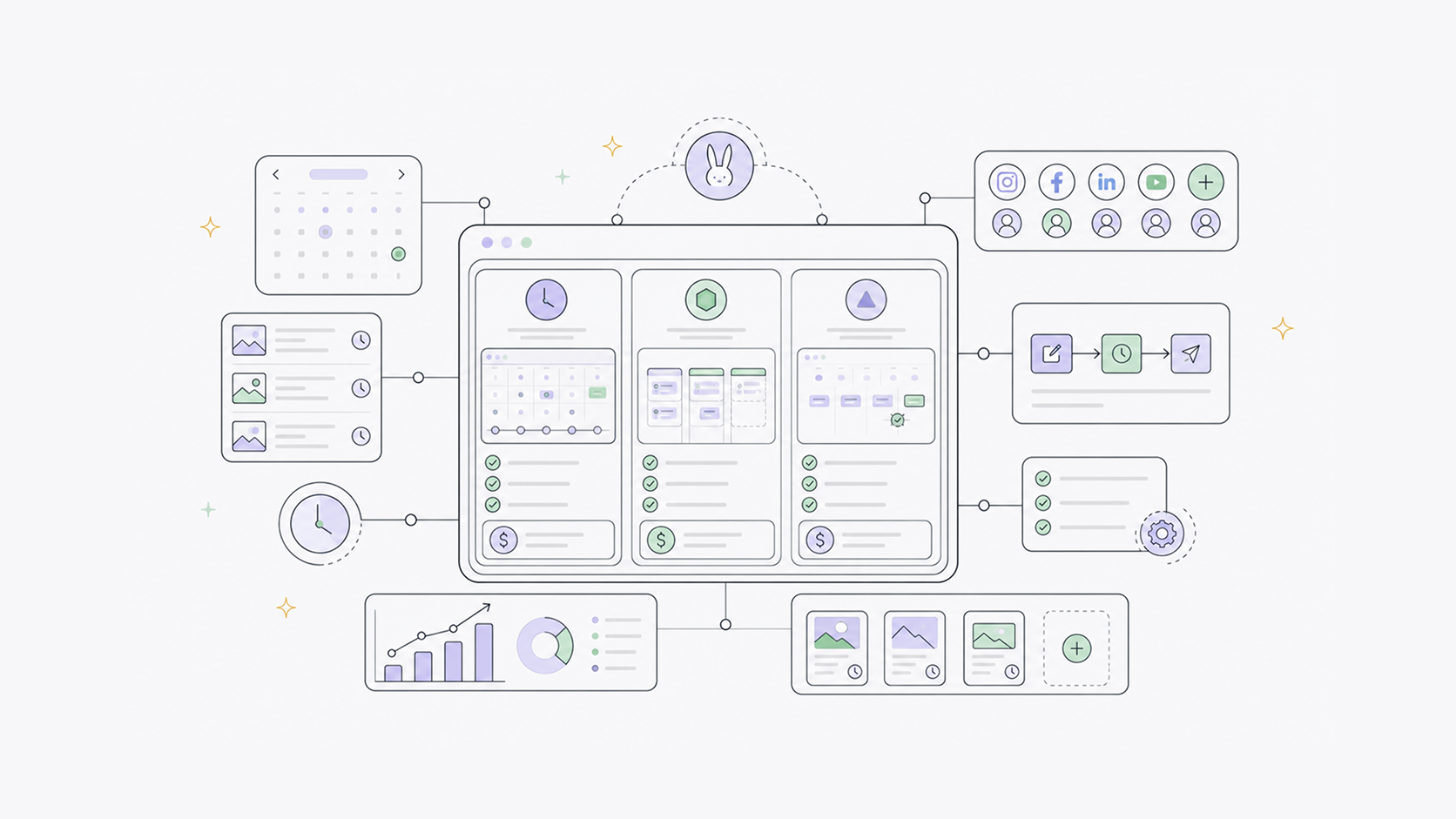
The scheduling plan is $9.99/month and covers Instagram, TikTok, Facebook, and YouTube Shorts from one place. Pricing is not calculated separately for each supported platform or based on the size of your contact list.
The full plan at $29.99/month adds AI caption tools, comment and DM automations for Instagram and Facebook, and analytics. On the caption side, Create Hook writes your opening line, Add Hashtags suggests relevant tags, Polish tightens your copy, and Match Example lets you paste a post you liked and match its format with your own content. Those tools work inside the same place you schedule, so you are not switching between apps to get a post ready.
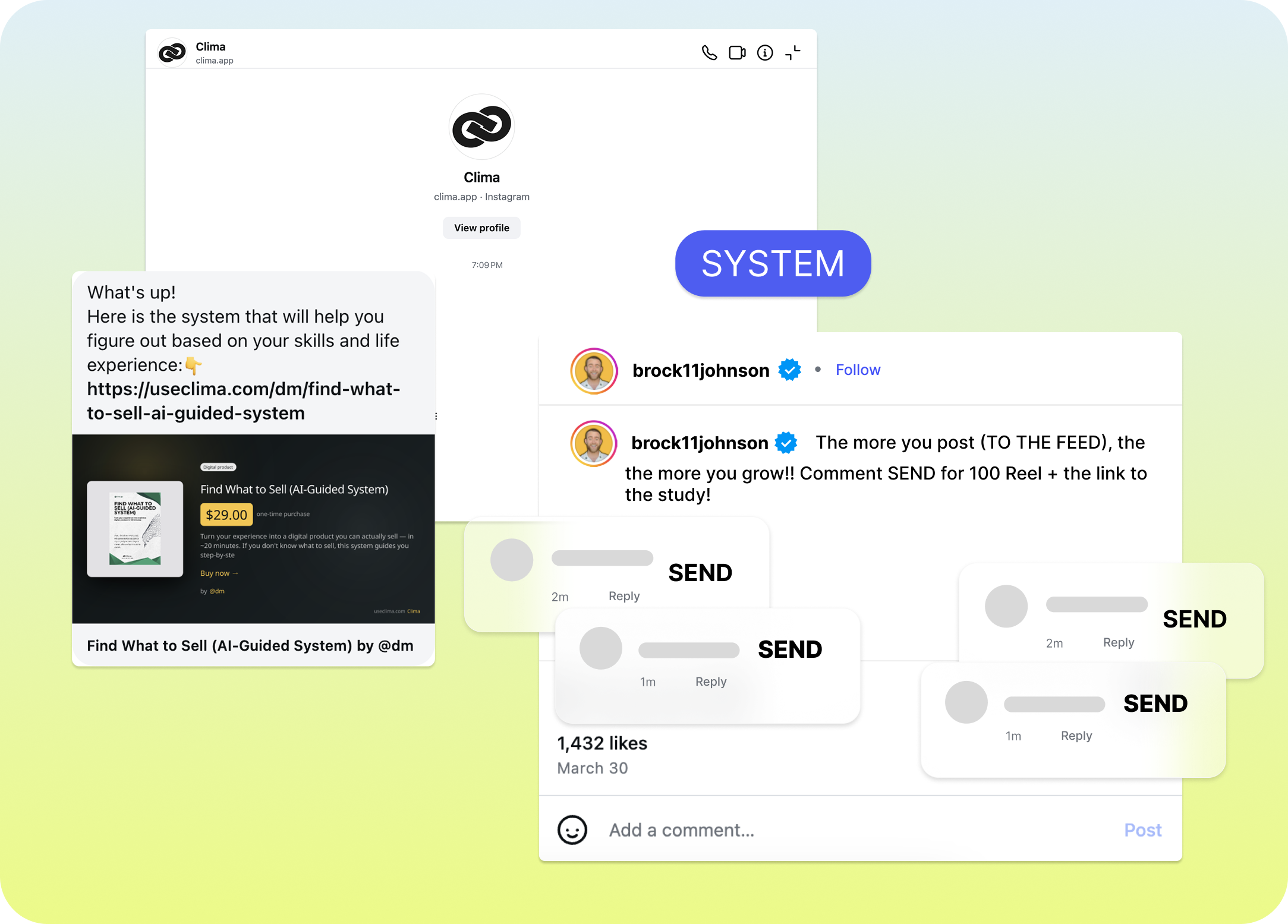
The automation side is where it goes beyond scheduling. Set a keyword trigger on Instagram or Facebook, and anyone who comments or DMs that word gets an instant reply with whatever you want to send. That runs 24/7 without manual input, which matters when you are getting the same questions in comments every day.
Best for: Small businesses, local businesses, and solo creators who want straightforward scheduling across Instagram, TikTok, Facebook, and YouTube Shorts, with the option to add Instagram and Facebook automation when they are ready.
How to choose
Hootsuite and Sprout Social are built for larger teams with dedicated social media budgets. Later is primarily for Instagram-focused creators who want a visual planning experience. Buffer has a limited free plan for getting started.
Most small businesses and creators are not in those categories. They need to post consistently across Instagram, Facebook, TikTok, and YouTube Shorts without per-channel fees, contact limits, or paying for features they will never use.
That is what BunnyBooster is built for. Scheduling across all four platforms costs $9.99 per month. The full plan at $29.99 adds AI caption tools, analytics, and comment and DM automations for Instagram and Facebook, so as your audience grows you are not piecing together separate tools to keep up.